Your daily coding, beautifully tracked
CodeAddict lives in your VS Code and tracks every session — time spent, languages used, lines written. Every day, it creates a beautiful shareable image of your coding activity. Share your grind.
Free VS Code extension. Join the waitlist for early access.
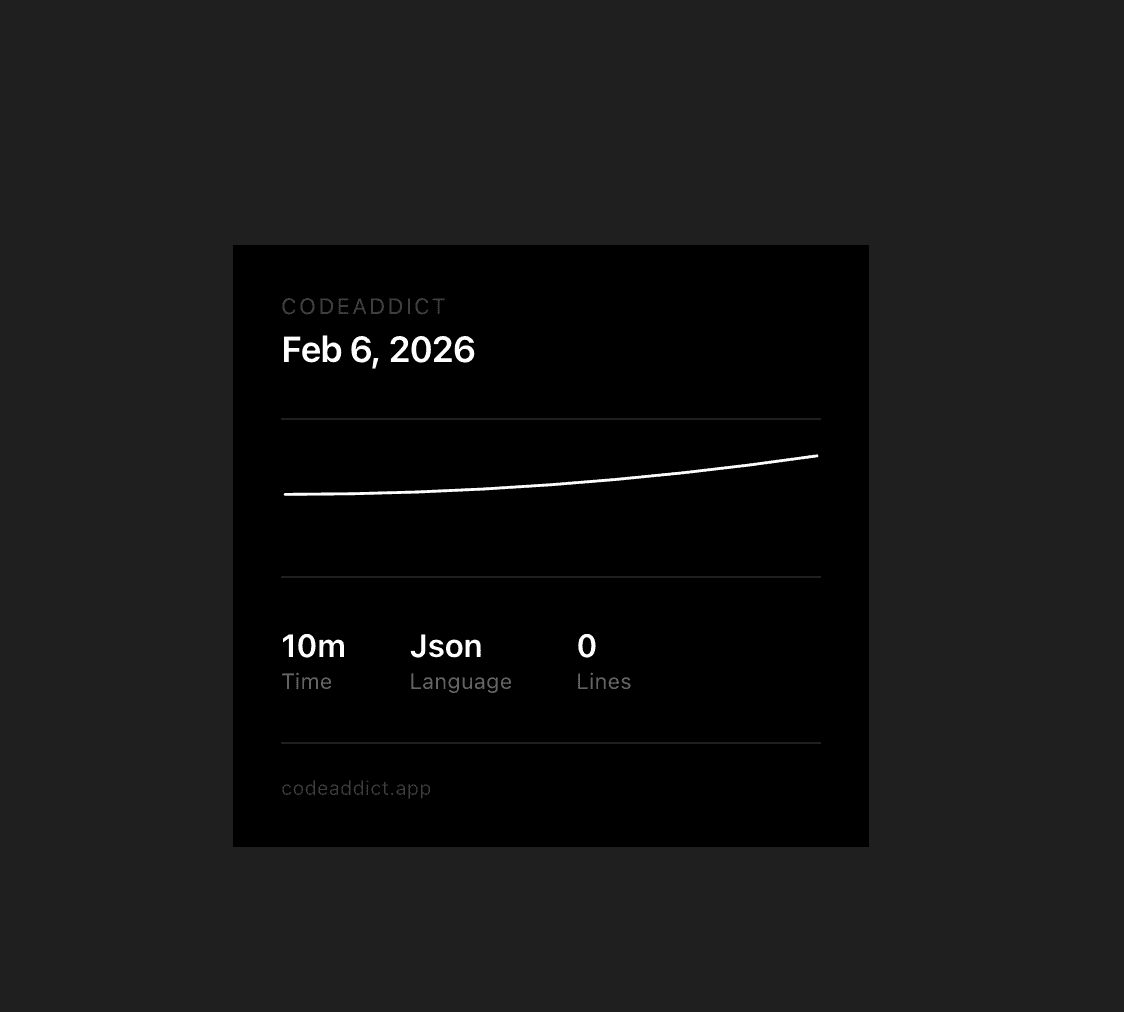
Your daily snapshot looks like this
How it works
Install. Code. Share. It's that simple.
Code like you always do
Install the VS Code extension and just keep coding. CodeAddict quietly tracks your sessions — time, languages, and lines of code — completely in the background.
Get your daily snapshot
Every day, CodeAddict generates a beautiful, minimal image summarizing your coding activity — your time, top language, lines written, and an activity graph.
Share your grind
Post your daily snapshot on Twitter, LinkedIn, or your dev community. Show the world what you shipped today. Build your streak. Stay motivated.
Built for developers who show up daily
Everything you need to track, visualize, and flex your coding habit.
Automatic Time Tracking
No manual timers. CodeAddict detects when you're actively coding in VS Code and logs your time per session, per language — effortlessly.
Daily Activity Graph
See your coding intensity throughout the day with a clean activity curve. Spot your most productive hours and build better habits.
Shareable Daily Images
A beautiful, ready-to-post image generated every day with your stats — time, language, lines, and your activity graph. Made for sharing.
Make coding your daily habit
Join developers who share their progress every day. Get early access to CodeAddict and start building your streak.